A Christmas card guide
AI Christmas photo prompts
Use our tested AI Christmas photo prompts to style family, couple, or pet snapshots without warping faces or garments. You can test any of our eleven festive scenes directly with a free 720px watermarked preview, then unlock full resolution and a 300 dpi PDF for $4.99 once. Refunds apply within 14 days.
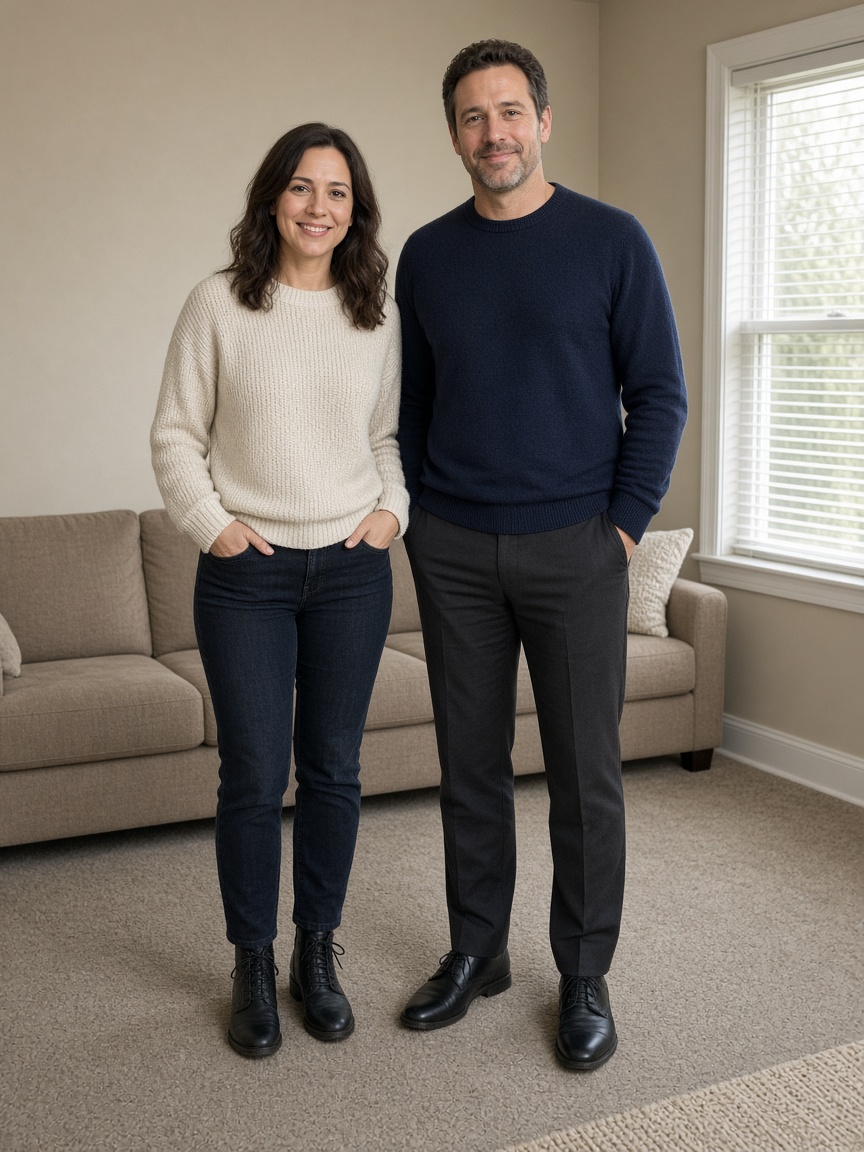
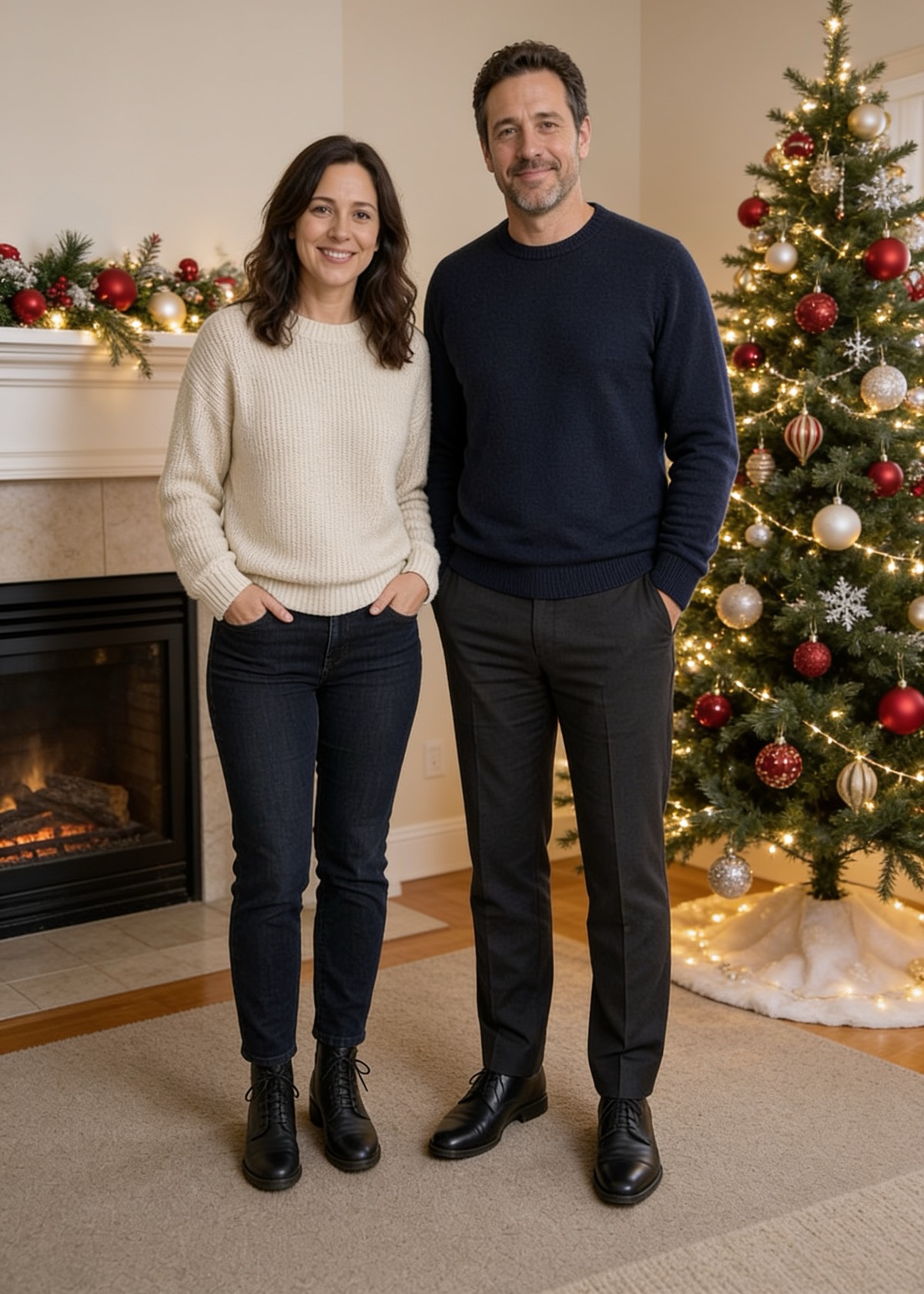
Why most AI Christmas photo prompts drift away from real faces
The most common mistake in holiday prompting is stacking dramatic camera buzzwords—words like cinematic fantasy glow, ultra-detailed skin, or heavy bokeh—onto a prompt that also changes clothes and lighting. Those modifiers encourage the image model to invent a generic studio face instead of preserving the real people from your snapshot.
Effective AI Christmas photo prompts keep visual instructions concrete and restrained. State the setting, wardrobe change, light direction, and photorealistic medium clearly, explicitly forbid altering hair, glasses, age, or facial features, and keep text out of the prompt entirely. When you run a card through this site, your optional greeting and family signature are rendered cleanly in Playfair Display or Noto Serif SC below the image so names never come out misspelled.
Classic cozy prompts: Fireplace, Snowy Porch, and Santa
Fireplace living-room prompt structure: place the group seated or standing naturally before a brick hearth trimmed with warm pine garland, stockings, and a softly lit fir tree; preserve natural indoor ambient balance instead of bright orange flame contrast that washes out faces. Works best from chest-up or full-length family photos taken in even daylight.
Snowy front porch prompt pattern: position everyone on timber porch steps framed by glowing warm-white string lights, fresh evergreen wreath, light snowfall, and evening twilight sky while maintaining realistic winter knit textures. For Santa scenes, specify Santa Claus standing beside the family as a separate figure leaving original faces untouched—never ask for a face swap, which distorts bone structure and triggers safety blocks.
Outfit & pet prompts: Matching Pajamas, Ugly Sweaters, and Pet Portraits
Matching pajama prompts need one clear garment direction—such as matching classic red plaid or crimson flannel holiday pajamas—plus clean separation between shoulders so sleeves do not fuse together across children and adults. If uploading 2 to 4 separate portraits to combine into one family frame, include explicit natural anatomy constraints so every person has two arms, two legs, and a single outfit.
For ugly Christmas sweater prompts, choose waist-up photos rather than tight headshots so the sweater pattern sits naturally below the collar instead of climbing toward the chin. For dog and cat portraits, keep eye catchlights and distinctive fur blazes, collars, or ear shapes sharp in the original upload and specify maintaining exact coat markings in warm living-room tree light.
Studio & aesthetic prompts: Red Studio, Cream Bows, Truck, Emerald, Anime
Modern editorial holiday cards rely on cohesive two-color palettes rather than busy backgrounds. Our Red Studio style pairs bright crimson seamless paper, simple wrapped boxes, and matching red knitwear with clean everyday trousers. Cream & Bows balances ivory knitwear against a white flocked tree and oversized velvet ribbon bows for soft neutral warmth.
Vintage Red Truck sets dusk string lights and plaid wool blankets around a classic pickup truck bed holding a cut pine tree; Emerald Velvet frames rich dark green drapes, brass candlesticks, and evening attire; Anime Illustration converts photos into warm cel-shaded holiday art while preserving recognizable likenesses without drifting into unrelated fictional characters.
Print framing and testing your prompt free before paying
Standard AI tools render square frames first and crop afterward, slicing off tree tops or shoes when mailed as 5×7 cards. Every generation here composes directly to the aspect ratio of your target shape—5×7 (1500×2100 px), 4×6 (1200×1800 px), Square (1600×1600 px), or 9:16 Story (1080×1920 px)—keeping headroom and edges clean on 300 dpi print PDFs.
Instead of debugging prompts blindly across multiple paid credits, you can test any of our eleven built-in scene prompts directly from the studio form on this site with a free 720px watermarked preview. Once facial likeness and composition look right, unlock full resolution and the 300 dpi PDF once for $4.99 (1 credit) with zero re-generation wait.
Easy as wrapping a gift
How this AI Christmas photo generator turns your photo into a card
Upload 1 to 4 photos
JPG, PNG, and WebP upload directly. A HEIC photo is converted to JPEG in the browser before it is stored. Confirm you have permission for every person and pet in the pictures.
Pick a scene, a size, and a greeting
Scenes are a fireplace, a snowy porch, a photo with Santa, matching red pajamas, an ugly sweater, a pet portrait, anime, a red studio, cream and bows, a tree farm pickup, or emerald and gold. Sizes are 5×7, 4×6, square, and a 9:16 story. Greeting, recipient, and signature are optional and are typeset cleanly on the card rather than invented by AI.
Preview free, then unlock full HD
Generate a low-resolution watermarked preview free with no account required, or pay $4.99 (1 credit) right away. Sign in with email or Gmail to unlock the full-resolution files cleanly without re-generating the portrait. Packs do not renew.
Download the photo and print card
You get the high-resolution generated photo and composed card PNG. 5×7 and 4×6 orders also unlock a 300 dpi print PDF. Uploaded source photos are deleted when the portrait is saved. Unlocked downloads stay 30 days after payment.
Common questions
Can I type a custom free-form prompt here?
Instead of raw prompt boxes that cause anatomy glitches or misspelled greetings, we maintain eleven tested identity-preserving scene prompts paired with clean typography for your custom greeting, recipient, and signature.
Why shouldn't I put 'Merry Christmas' inside an image prompt?
Diffusion and editing models frequently duplicate letters or distort family names when painting text onto sweaters or wooden signs. Composing greetings separately in Playfair Display and Noto Serif SC keeps every letter razor-sharp for 300 dpi printing.
Can I preview a scene free before paying $4.99?
Yes. Pick any of the eleven scenes, upload 1 to 4 photos, and select “Preview free with watermark” to inspect a 720px proof without an account. Unlocking full resolution costs 1 credit ($4.99 once).
How should I combine separate photos of distant relatives in one prompt?
Choose photos with matching eye-level camera angles and soft, even lighting without sunglasses. Uploading 2 to 4 separate files automatically adds multi-person spacing and anatomy guards to keep everyone distinct.