A Christmas card guide
Cream and bows Christmas photo
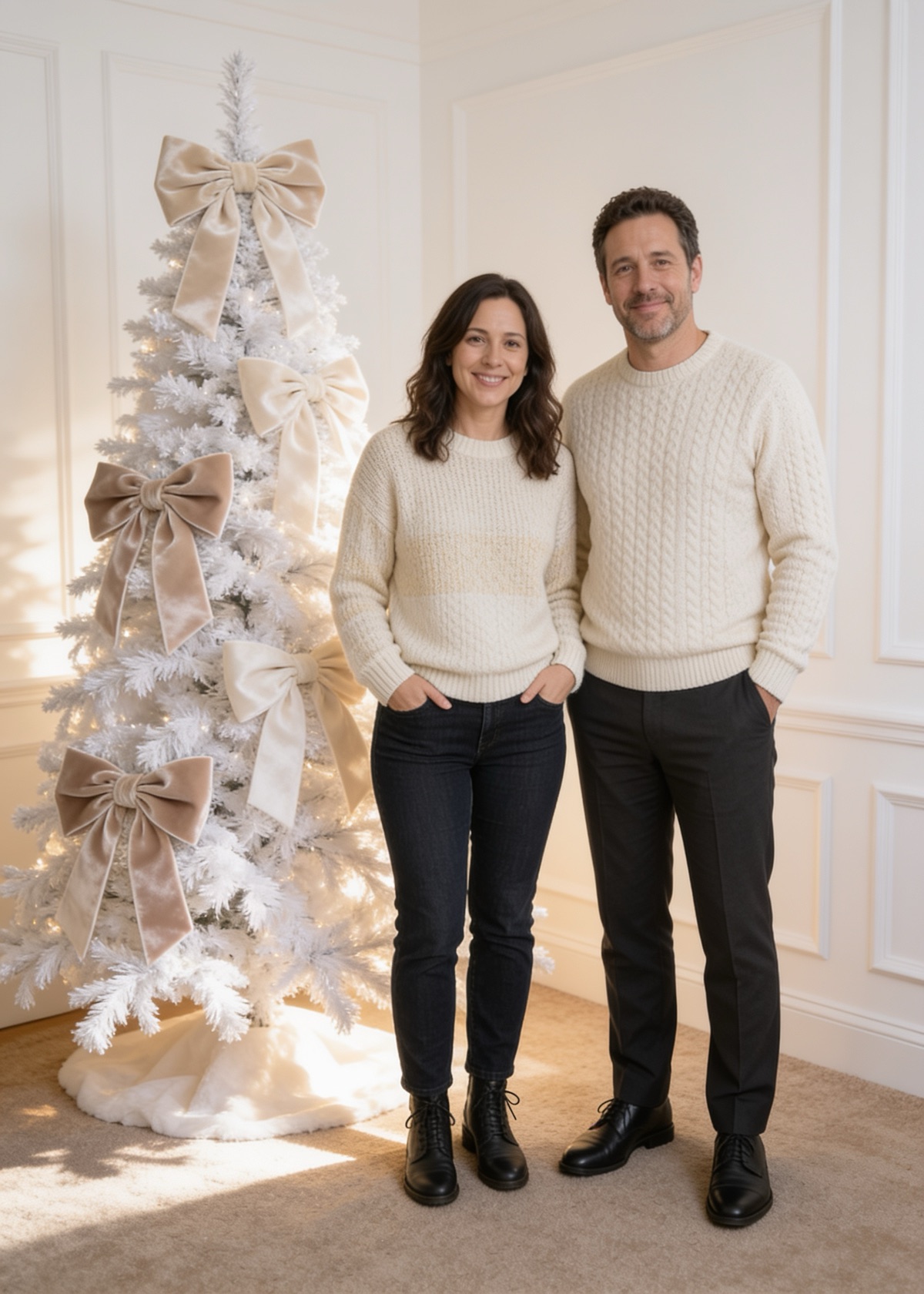
The cream and bows scene turns your photo into a soft neutral Christmas portrait: a white flocked tree, oversized velvet bows, warm light, and everyone in cream knitwear. Upload one to four photos and pay $9.00 once. You download a PNG, and print sizes add a 300 dpi PDF. Refunds are within 14 days.
What the cream look is
This is the quiet end of Christmas photos: ivory and cream clothes, a white tree, and a few large bows in place of lots of color. It suits a card for people who find a bright red-and-green card too loud, and it matches the minimalist and neutral-palette card styles that print shops list for 2026.
Those shops are selling cards, so treat their trend lists as direction, not proof. The scene is a style choice, and we do not claim it is the most requested one.
Which photos work best
Soft scenes show mistakes more easily, so start with a clear photo in good light where every face is sharp. Dark or busy clothing is replaced by cream knitwear, so check that each person still looks like themselves, with the same hair and the same skin tone. The prompt asks the model to keep every person's face, hair, and identity, and it does not guarantee it.
Count the people and check hands before you print. If the result is wrong, use the refund window in the footer.
Sizes and the card
5×7 and 4×6 include a 300 dpi PDF for printing. Square and 9:16 story are PNG only. Your greeting is set in type on the card and does not change the picture.
Common questions
Are the bows added to the tree only?
The prompt asks for oversized velvet bows in the scene. Where the model puts them can differ from card to card.
Can I get a different color than cream?
No. This version has fixed scene prompts and no custom prompt box.
How do I get a refund if it looks wrong?
Write to support@aichristmasphotogenerator.com within 14 days of payment.